
Website QA Guides
Practical guides, checklists and resources for testing websites, finding issues and building more reliable QA and release workflows.
Latest QA Guides
-
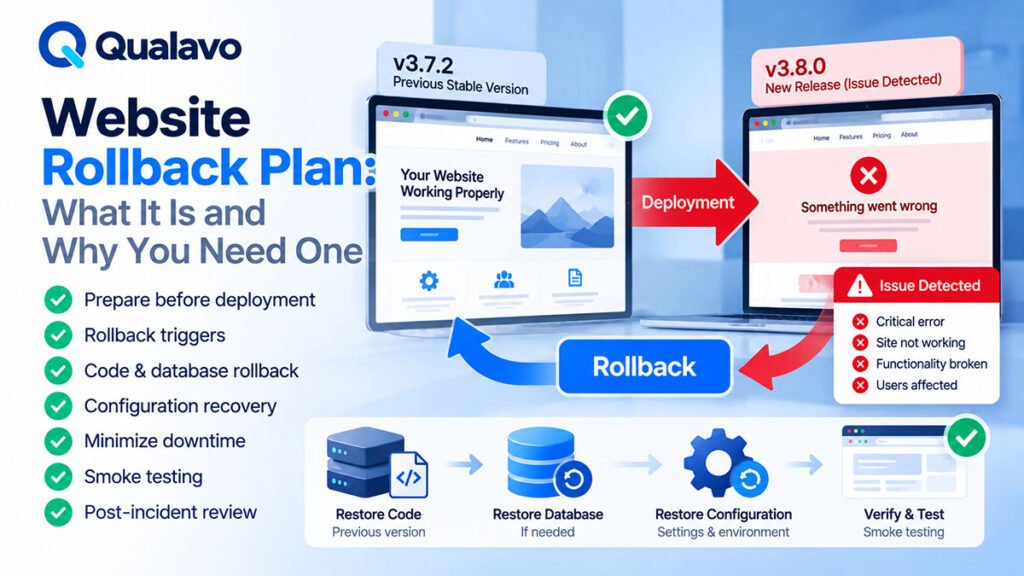
Website Rollback Plan: What It Is and Why You Need One
Learn what a website rollback plan is, when a rollback should be triggered, what it should include, how to prepare before deployment, and how QA teams can reduce release risk when production problems occur.
-
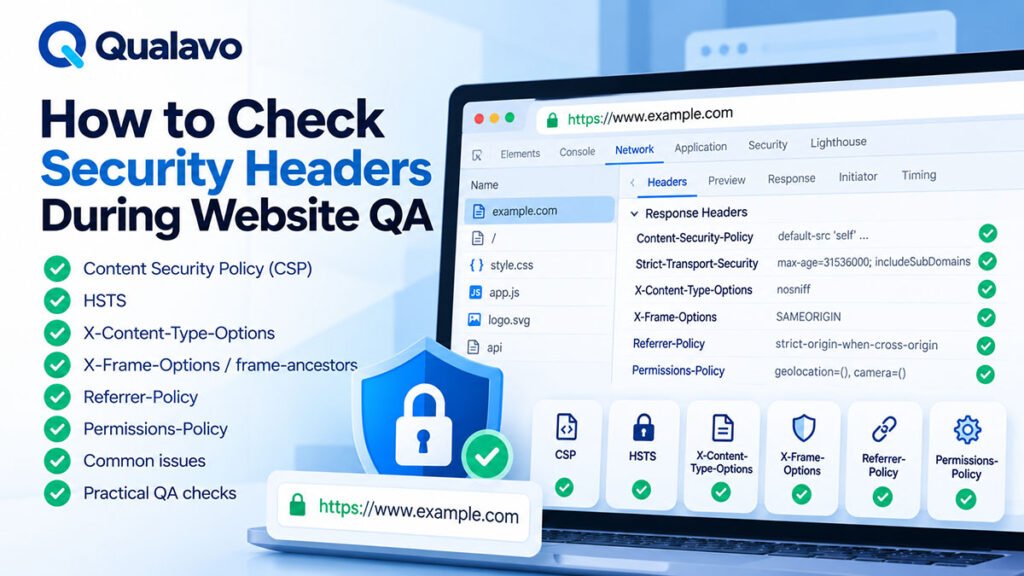
How to Check Security Headers During Website QA
Learn how to check HTTP security headers during website QA, including Content-Security-Policy, HSTS, X-Content-Type-Options, Referrer-Policy, frame protection, Permissions-Policy, common configuration issues, and practical pre-launch checks.
-
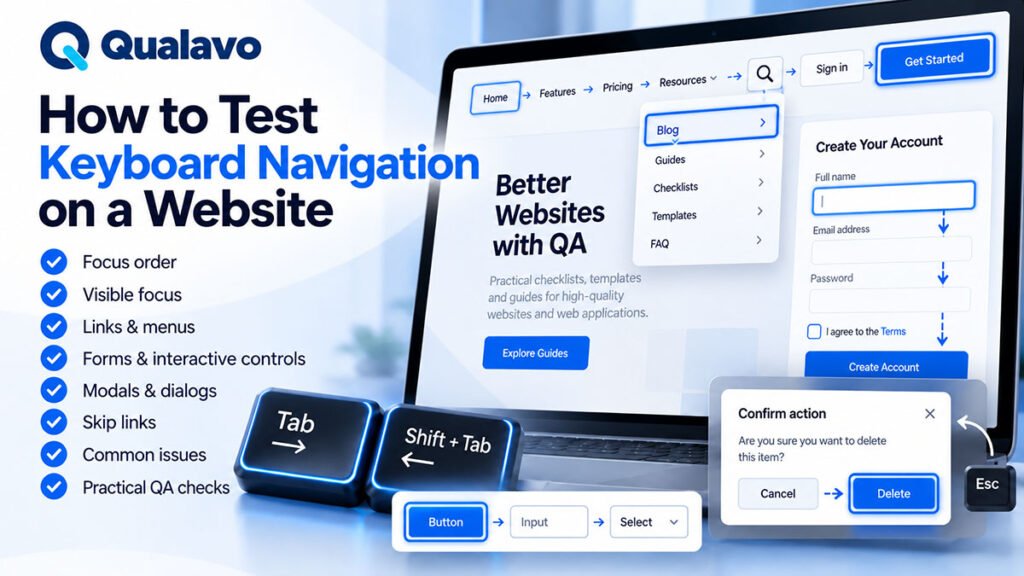
How to Test Keyboard Navigation on a Website
Learn how to test keyboard navigation on a website, including focus order, visible focus, menus, forms, modals, dialogs, skip links, interactive controls, common accessibility issues, and practical QA checks.
-
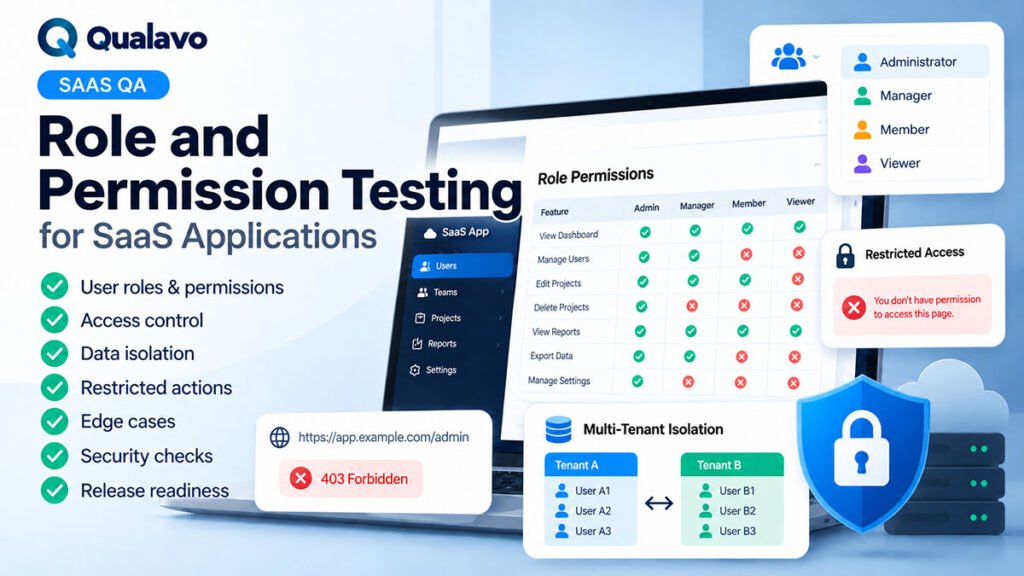
Role and Permission Testing for SaaS Applications
Learn how to test roles and permissions in SaaS applications, including authorization, role matrices, CRUD permissions, direct URL access, multi-tenant data isolation, edge cases, regression testing, and release readiness.
-
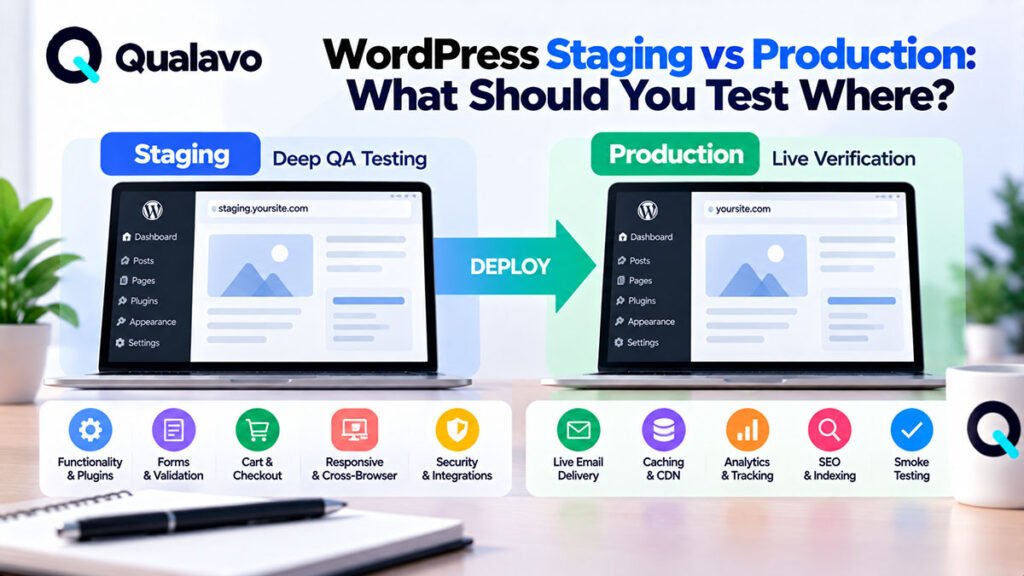
WordPress Staging vs Production: What Should You Test Where?
Learn what to test in WordPress staging versus production, including functionality, plugins, forms, payments, email, caching, SEO, analytics, integrations, security checks, and post-deployment smoke testing.
-
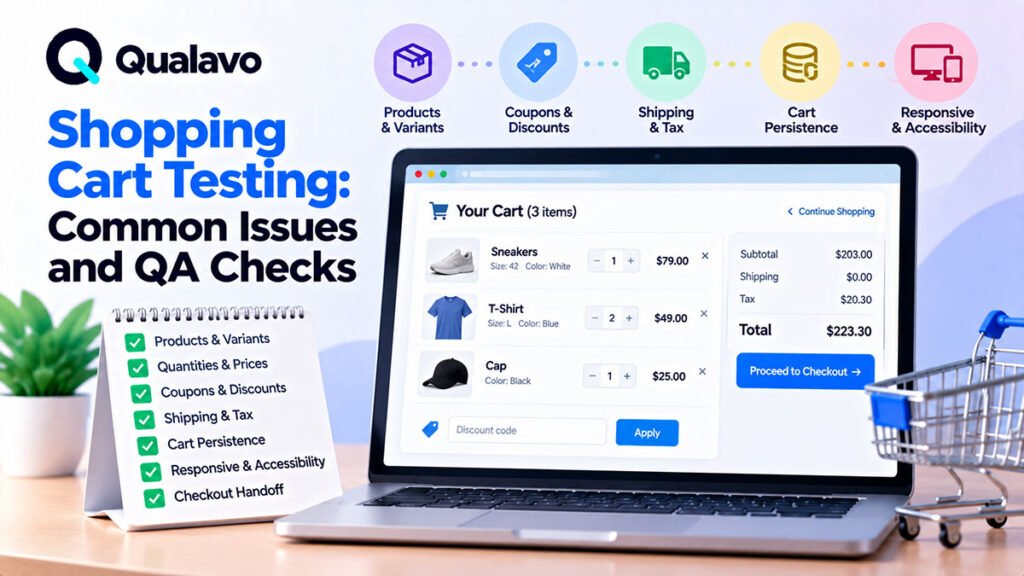
Shopping Cart Testing: Common Issues and QA Checks
Learn how to test an e-commerce shopping cart with practical QA checks for products, quantities, pricing, discounts, shipping, taxes, persistence, responsive behavior, edge cases, and checkout handoff.
-
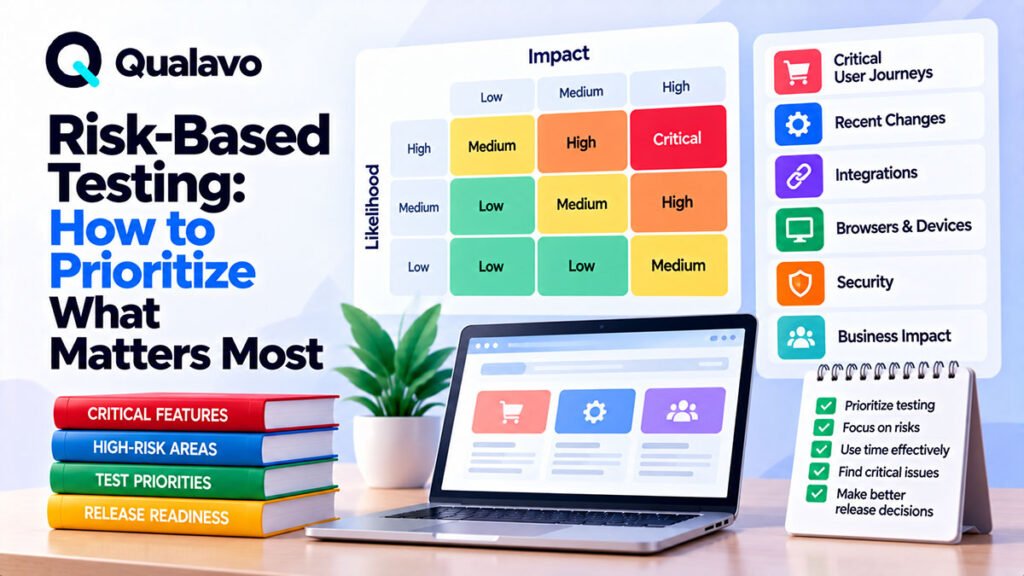
Risk-Based Testing: How to Prioritize What Matters Most
Learn how risk-based testing helps website QA teams prioritize critical user journeys, high-impact features, integrations, browsers, and regression areas when testing time and resources are limited.
-
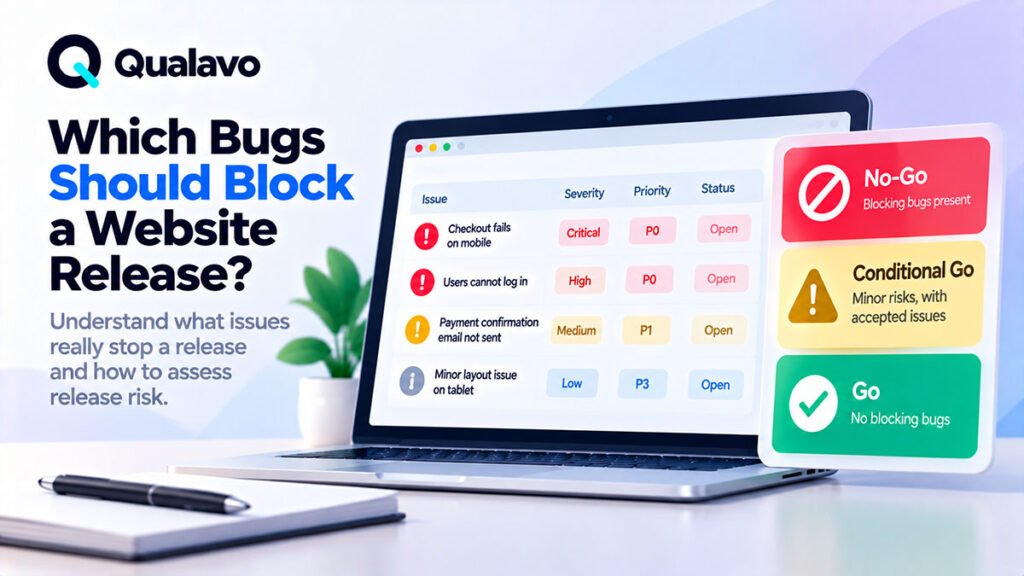
Which Bugs Should Block a Website Release?
Learn which bugs should block a website release, how to evaluate severity, business impact, critical user journeys, security, data risk, workarounds, and incomplete testing before making a go/no-go decision.
-
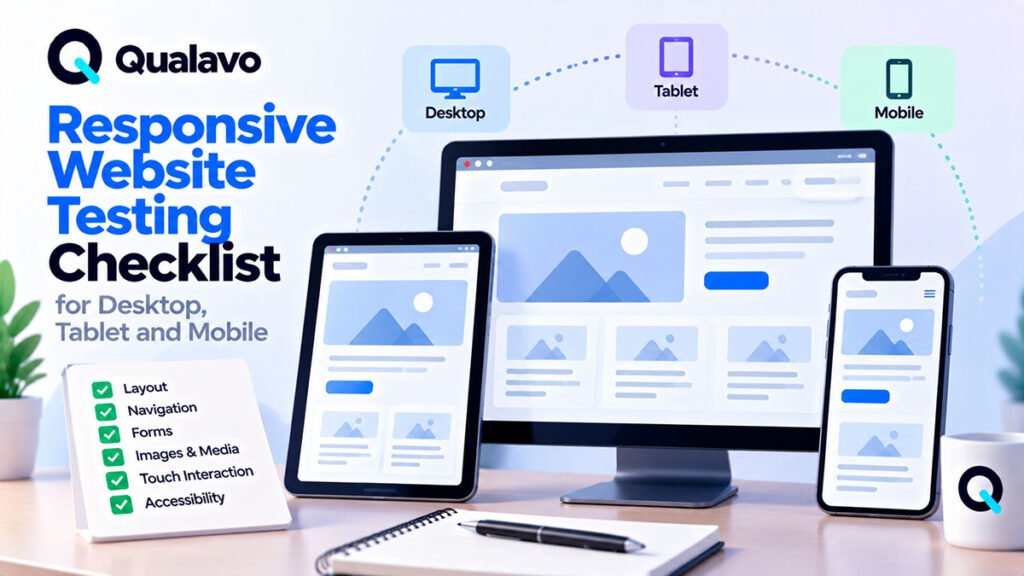
Responsive Website Testing Checklist for Desktop, Tablet and Mobile
Use this responsive website testing checklist to verify layouts, navigation, forms, images, typography, touch interactions, breakpoints, and critical user journeys across desktop, tablet, and mobile devices.